

Resource tags are available for Plus and Enterprise plans.
Not to be confused with commit tags: Resource tags are key-value pairs used to organize and filter workspace resources (projects, datasets, prompts, etc.). Commit tags are labels that reference specific versions in a prompt’s commit history. While both types of tags can use similar terminology (like
prod or staging), resource tags help you organize resources across your workspace, while commit tags control which version of a prompt is used in your code.Before diving into this content, it might be helpful to read the Conceptual guide on organizations and workspaces.
Create a tag
To create resource tags, you must have the
workspaces:manage permission (granted to the workspace admin role by default). Editors can apply Application tags to resources they have update access to, but creating tag keys or applying other tag types requires this permission. For more on applying tags to resources, refer to the workspace operations Tags section.- Navigate to the workspace Settings page and click on Resource tags in the left-hand sidebar.
- Here, you’ll find the existing tag values, grouped by key. LangSmith creates the Application and Environment keys by default. You can use the Application key to filter resources shown in the UI.
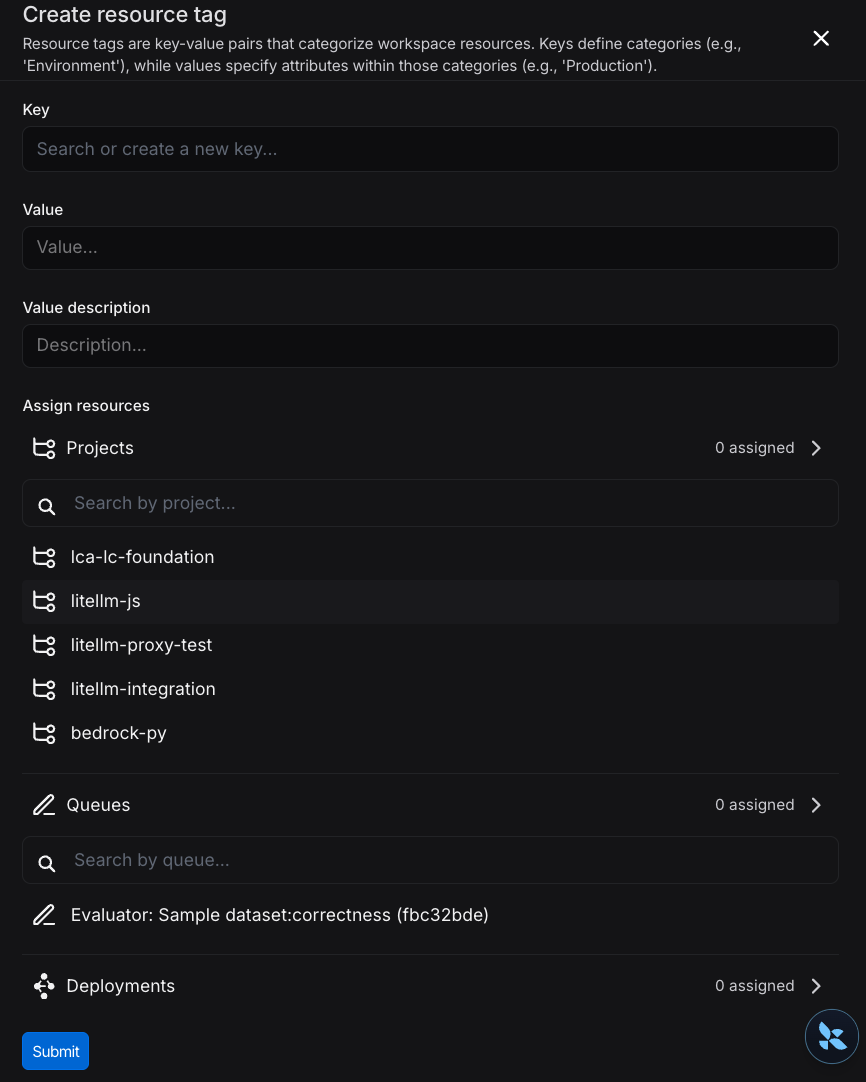
- Select New Tag at the top of the page. You’ll be prompted to enter a key and a value for the tag. Note that you can use an existing key or create a new one.
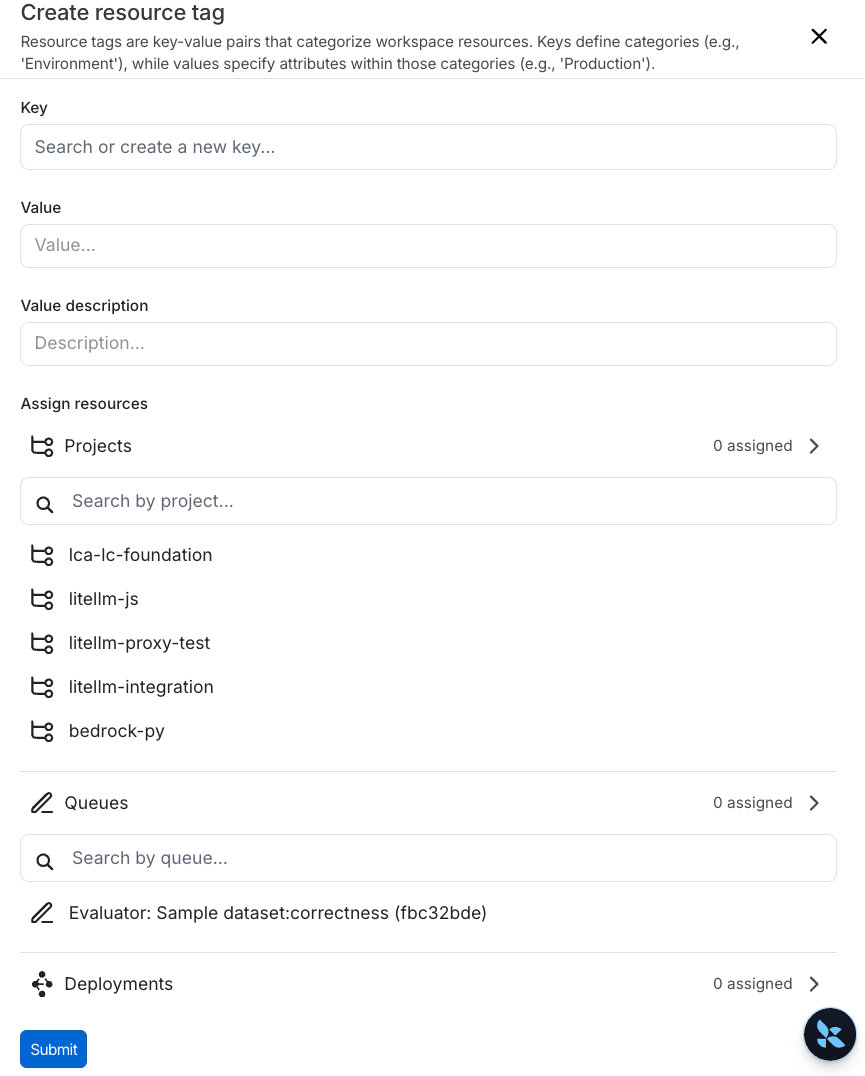
Assign a tag to a resource
Within the same side panel for creating a new tag, you can also assign resources to tags. Search for corresponding resources in the Assign resources section and select the resources you want to tag.You can only tag workspace-scoped resources with resource tags. This includes Tracing Projects, Annotation Queues, Deployments, Experiments, Datasets, and Prompts.
Delete a tag
You can delete either a key or a value of a tag from the Settings page > Resource tags page. To delete a key, click the trash icon next to the key. To delete a value, click the trash icon next to the value. If you delete a key, LangSmith will delete all values associated with that key. When you delete a value, you will lose all associations between that value and resources.Connect these docs to Claude, VSCode, and more via MCP for real-time answers.